Mockups
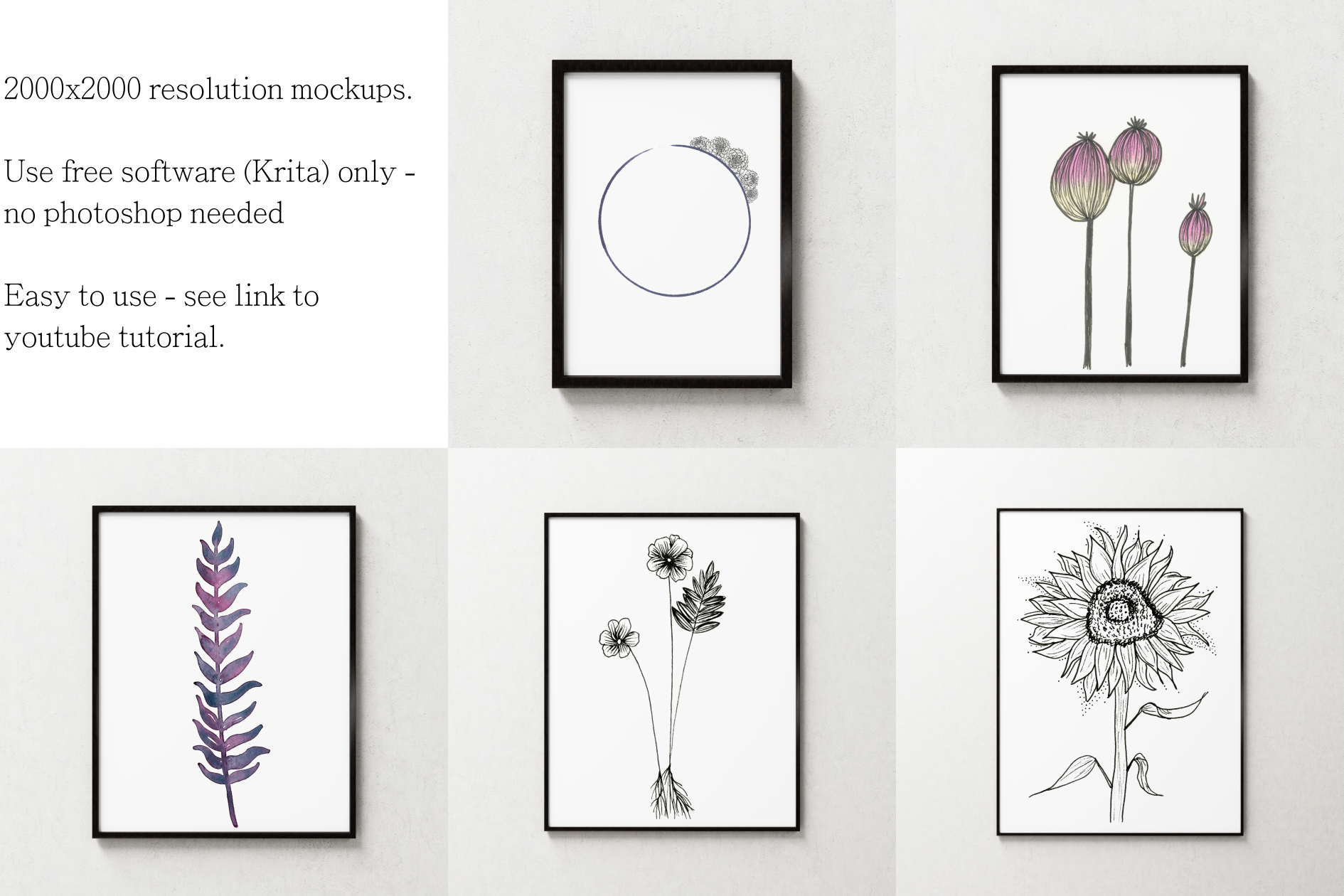
I make and sell digital mockups on Etsy.
My mockups are based on Krita (click here to download), which is an open source and free image program, similar to photoshop. You don’t need any paid software to use my mockups.
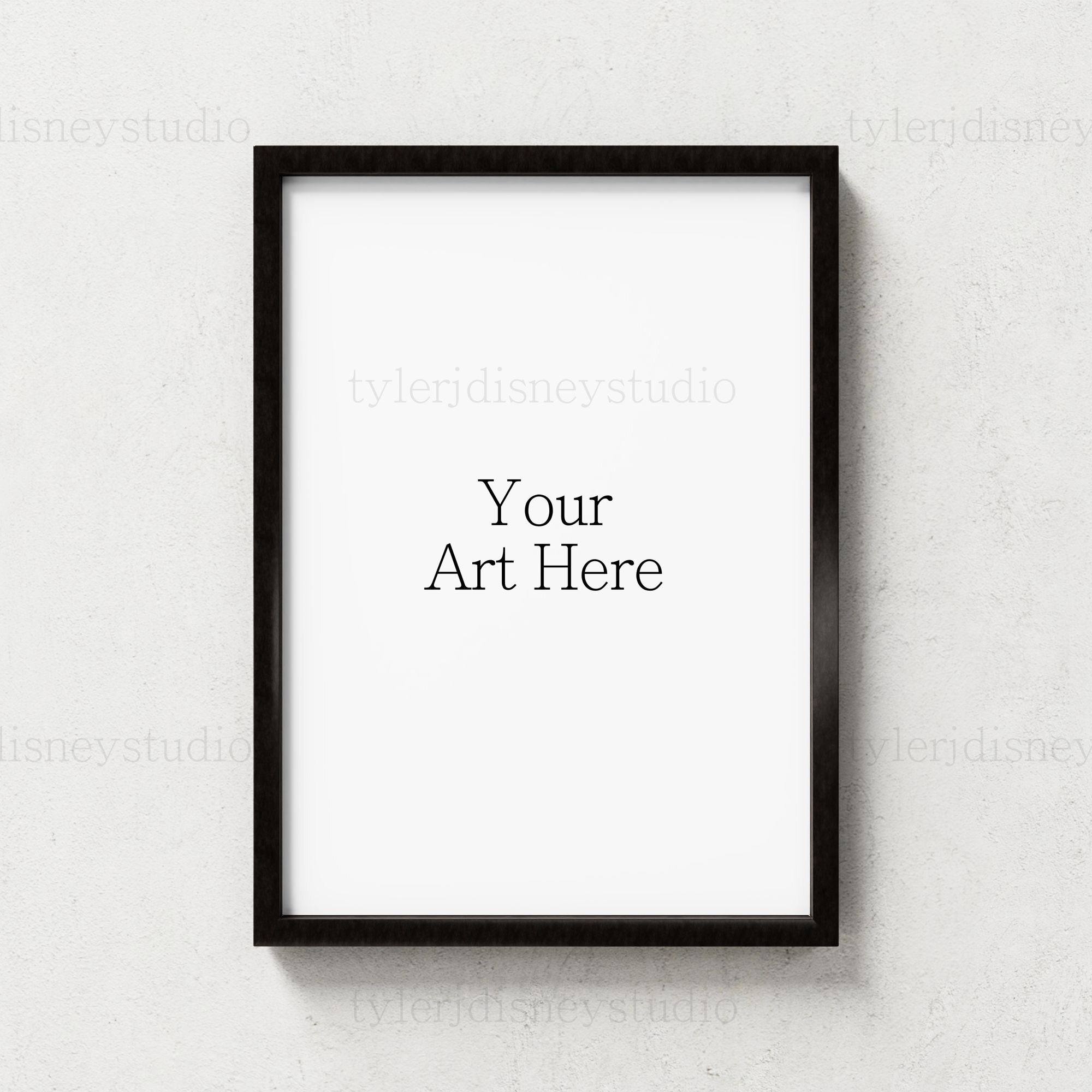
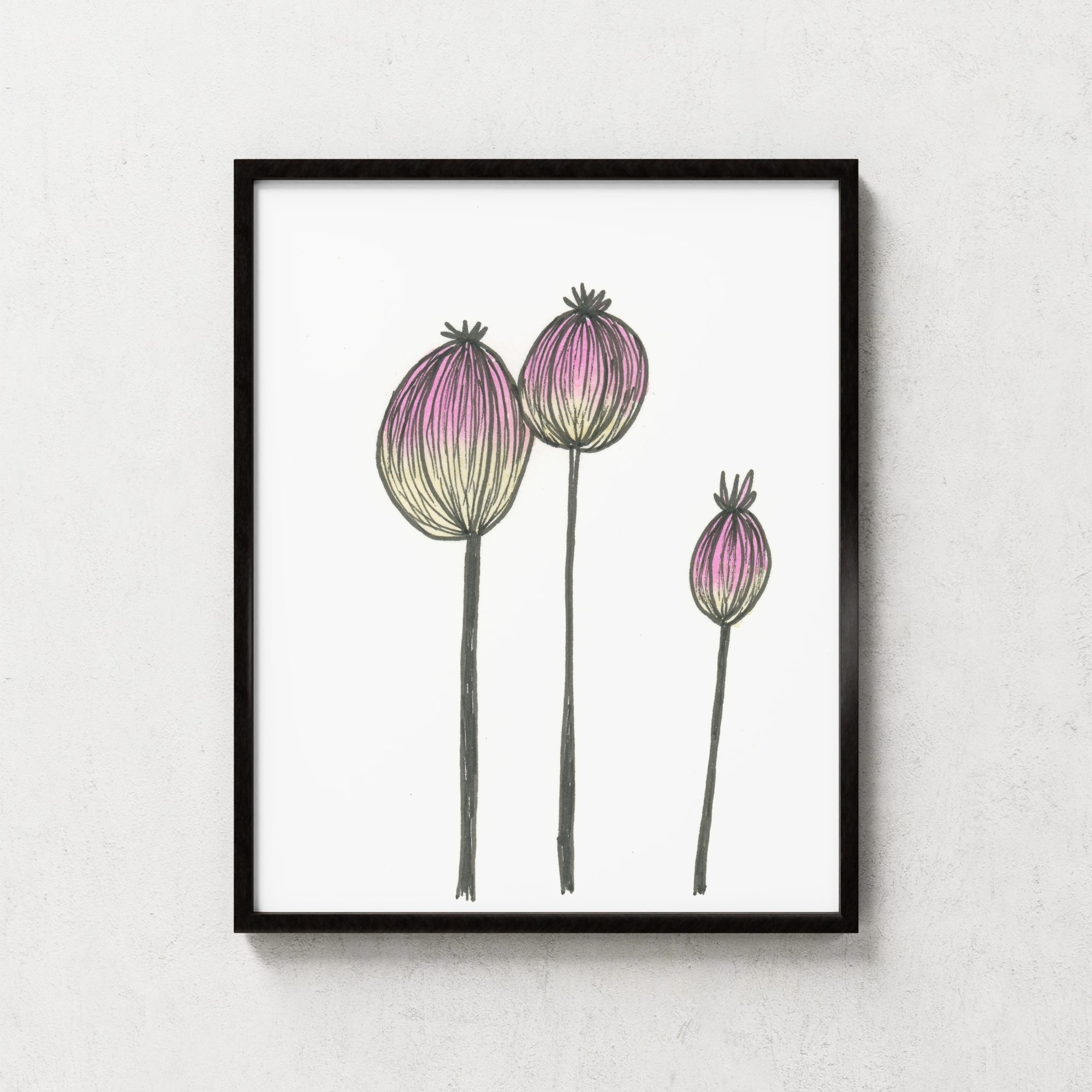
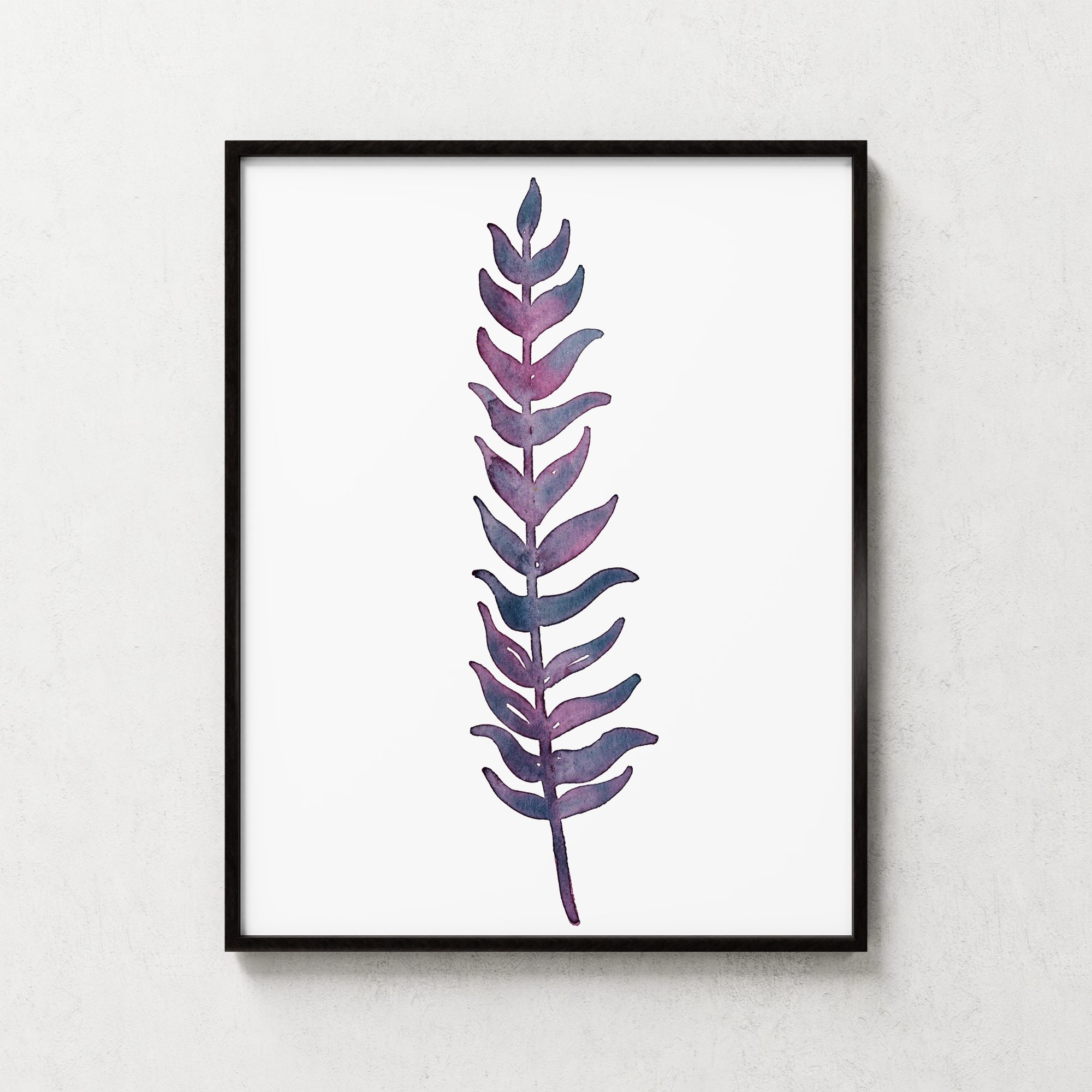
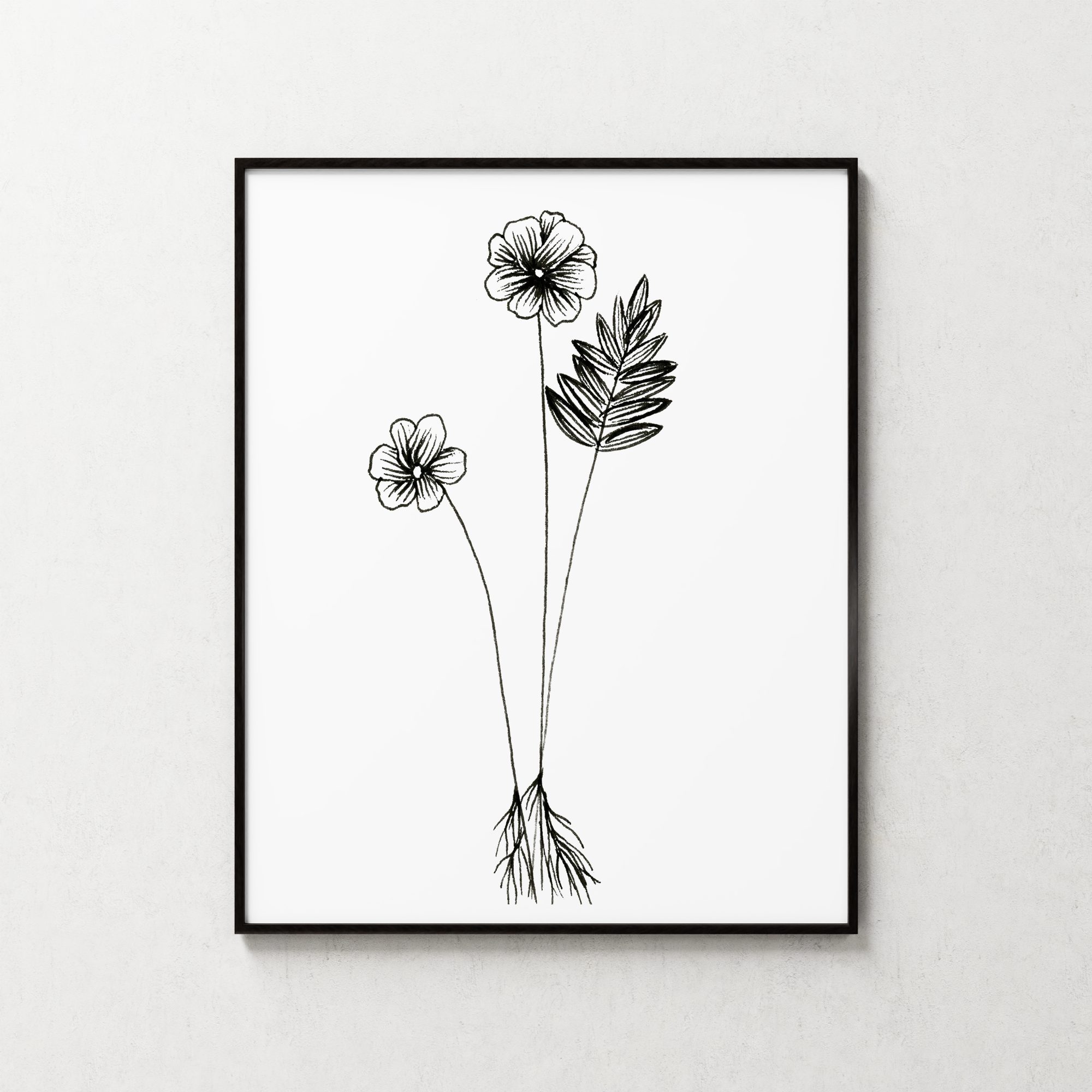
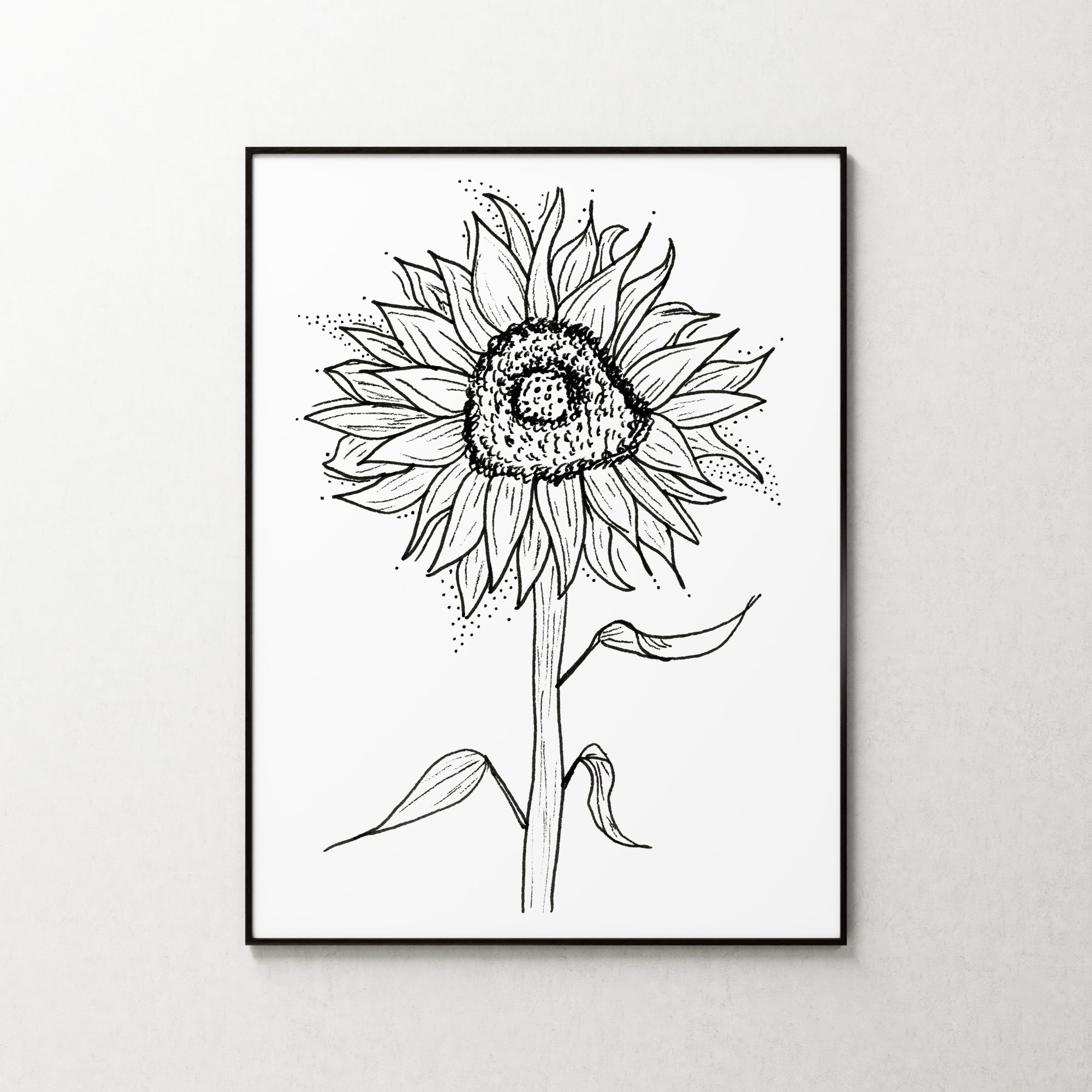
Digital mockups are image templates that you can insert your own art into, so that you can see what your art would look like in the “real world”.
How To Use My Mockups
The video is the best way to learn the process - but this is a handy cheat sheet to jog your memory.
You will need:
-
The image resizer file. It will be named something like 8x10_insertyourarthere.kra
-
The mockup file, named something like Mockup_SimpleBlack_8x10_.kra
-
The image file of your art. It probably is going to be very close to, or exactly, the right aspect ratio to fit whatever frame size you selected. But it’s likely to be much bigger and need resizing. That’s what 8x10_insertyourarthere.kra is for.
-
Krita version 4.4 or higher. v4.3 won’t work!
The Steps:
-
Open 8x10_insertyourarthere.kra in Krita.
-
Drag and drop your art into Krita.
-
Resize your art to match the canvas by clicking the Transform tool, and then left clicking and dragging on the layer handles while holding shift.
-
File > Export your art to PNG file format if you want to preserve transparency. I recommend you use the naming convention 8x10_insertyourarthere_[NameOfYourArt].png. Makes it easier to keep track of.
-
Open Mockup_SimpleBlack_8x10_.kra in Krita. (A message will come up asking if you want to locate a file manually - click “no”.)
-
Right click the file layer named ***RIGHT CLICK ME > Properties > Browse to your art***, click properties, and hit the little “browse” button. Select 8x10_insertyourarthere_[NameOfYourArt].png
-
File > Export your art to PNG or JPG file format.